Your app is growing. A partner wants to feature you, and your waitlist says the next push could take you past 100,000 users. Then a simple question stops the room: will the app actually hold up?
Most founders cannot answer it. Not because the app is bad, but because nobody mapped what sits underneath it. One server, one database, and a release process that works as long as nothing goes wrong at the wrong time.
Growth does not break an app all at once. It breaks one layer at a time, in a predictable order. The database strains first. Then the backend runs out of room. Then slow screens, failed jobs, and invisible errors follow. Every layer can be fixed before the spike, usually without a rebuild.
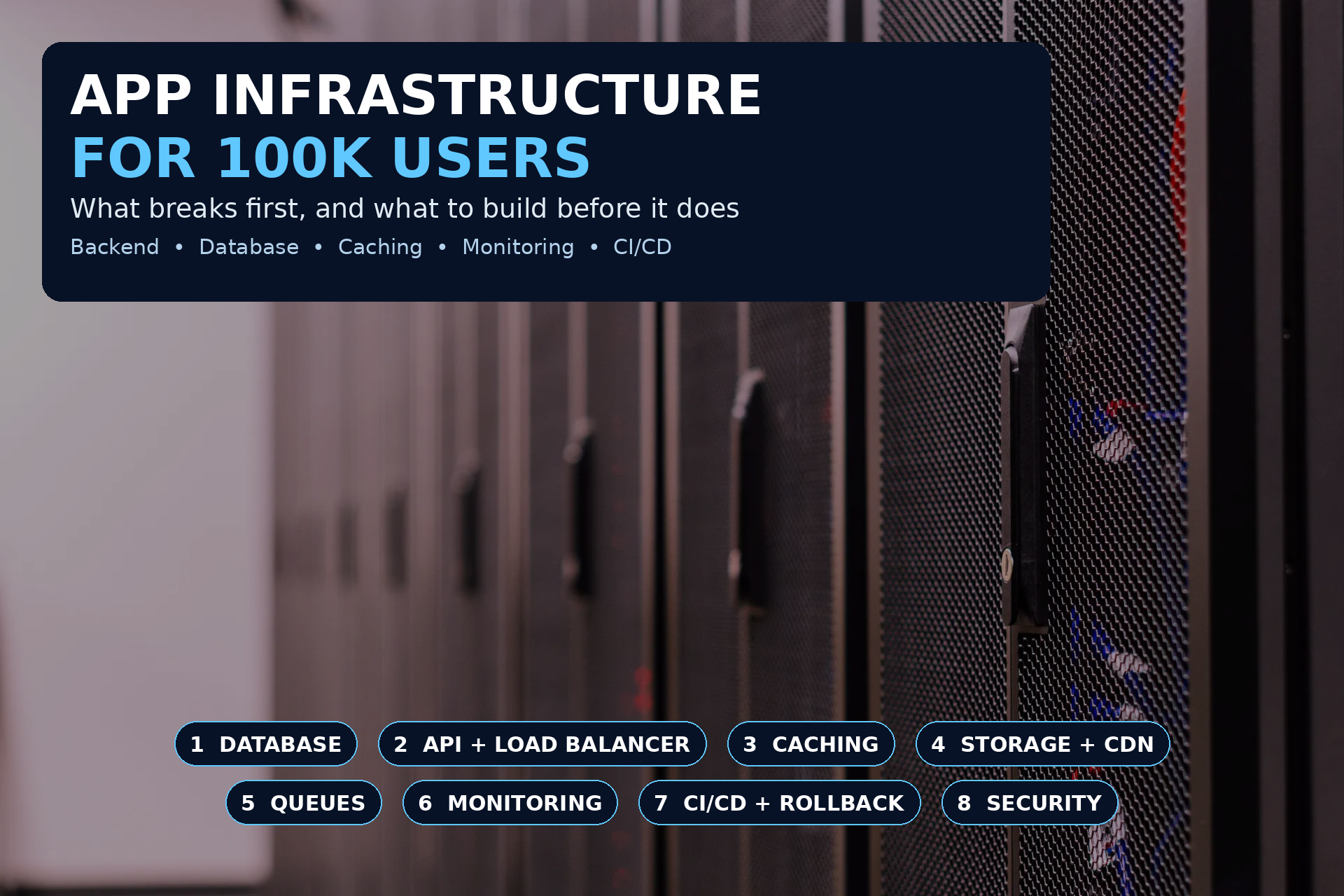
TL;DR: Solid app infrastructure for 100k users means eight layers: a database with indexes, pooling, and tested backups, a backend that scales sideways behind a load balancer, caching for hot data, storage and a CDN for files, background queues for heavy work, monitoring that warns you before users complain, CI/CD with staging and rollback, and security with rate limits. Build them in that order. That is the order they break in.
This is the mobile app infrastructure scaling breakdown we walk founders through before a big push. Just what an app backend for scale needs at 100,000 users, and what can wait.
What 100,000 Users Actually Means in Real Numbers
First, calm the number down. 100,000 registered users is not 100,000 people in your app at once.
If 10 percent of registered users are active daily, that is 10,000 daily users. If 10 to 20 percent of those overlap at your peak hour, plan for roughly 1,000 to 2,000 people at the same time, each triggering several API calls per minute.
You do not need giant infrastructure. You need correct infrastructure. A well built single region setup with the eight layers below handles this comfortably.
Peaks decide everything. Your average hour will look fine. Your worst fifteen minutes, a push notification or a partner email, is what breaks you. Plan for the peak.
If you have not run the wider checks yet, start with our scaling readiness checklist. This post goes deeper on infrastructure itself.
The risk is not 100,000 users on paper. The risk is 2,000 users arriving in the same ten minutes, all hitting the one query, the one server, and the one flow you never tested under load.
1. The Database, the Layer That Breaks First
The database is the one layer you cannot simply copy to get more room, and it collects every shortcut taken earlier.
What breaks first:
Unindexed queries. A screen that searches a growing table gets slower with every user. Fast at 1,000 rows, painful at 100,000.
N+1 queries. The app loads a list, then makes one extra query per item. A feed of 50 items becomes 51 queries, per user, per open.
Connection limits. Add more backend copies for scale and you can exhaust the database with connections alone.
What you need before 100k:
Indexes on your real queries. Index the fields you filter, sort, and join by, based on your slowest live queries.
Connection pooling. A pooler shares connections, so spikes do not create new ones until the database refuses.
Caching, and a read replica if reads dominate. Most apps read far more than they write. Repeat reads should not all hit the main database.
Tested backups and versioned migrations. Daily backups, at least one restore you have actually performed, and every schema change as a reversible migration. We covered this in our guide to taking an MVP to production.
Archiving for old data. Move old logs out of hot tables. Live screens should not wade through years of history.
Your target: know your three slowest queries by name. If nobody can name them, that is your first job.
2. A Backend and API That Can Scale Sideways
One server is a single point of failure and a hard ceiling. The fix is not a bigger server forever. It is a backend that can run in more than one copy.
What breaks first:
Everything on one instance. One crash, one deploy, one spike, and the app is down for everyone.
State stored on the server. If a session lives only on one copy, users break when traffic spreads across copies.
Slow work inside the request. Image processing or report building inside a tap makes that tap time out under load.
What you need before 100k:
Stateless copies behind a load balancer. Any copy handles any request, sessions live in a shared store, and adding capacity is a setting, not a rebuild.
Autoscaling on real signals. CPU, memory, and request counts, with a sensible floor and ceiling, tested early.
Timeouts, retries, and graceful failure. A slow service should degrade clearly, not stack up requests until everything freezes.
Health checks. The load balancer stops sending traffic to a failing copy, automatically.
You need more than one copy, no single point of failure, and a way to add room in minutes. Not a complex multi region setup.
3. Caching, the Cheapest Speed You Will Ever Buy
Every repeat answer served from cache is a database query you never ran and a screen that loaded instantly.
What to cache first:
Hot, rarely changing data. Home feeds, categories, content lists, config, and public profiles.
Expensive query results. Anything that joins several tables, runs often, and changes rarely.
Sessions and rate limit counters. Fast shared storage is built for these quick checks.
The rules that keep caching safe:
Every entry needs an expiry or an invalidation rule. Stale data shown as fresh is worse than slow data.
Never cache private data in a shared key. One user seeing another user page ends trust.
Measure the hit rate. If the cache is not answering most eligible requests, it is decoration.
4. File Storage and a CDN for Images and Media
Apps get heavier as they grow. Serving every photo and upload from your backend spends capacity on the wrong job.
What you need before 100k:
Files in object storage, not on the server disk. Dedicated storage scales on its own and survives a backend restart.
A CDN in front of public files. Content serves from close to the user, so distance stops deciding speed.
Images resized for the screen. A full size photo inside a small thumbnail is still the most common cause of slow screens we see.
Signed URLs for private files. Receipts and private photos should use short lived signed links, not public addresses.
5. Background Queues for Work That Should Never Block a Tap
The rule is simple: if work does not need to finish before the user sees the next screen, it does not belong inside the request.
Move these to a queue first:
Emails and push notifications. A job with retries, not a step that can fail a signup.
Image and file processing. Resizing and converting after upload.
Reports, exports, and imports. Anything over a few seconds, with a progress state.
Third party syncs and webhooks. Retried safely, logged, and visible when they fail.
Queues also protect you in a spike. Work lines up and drains at a pace your system can handle. Add a way to see and retry failed jobs. A silent failed job is a customer who never got the email they asked for.
6. Monitoring, Logging and Alerts, So You Hear It First
At 1,000 users, users are your monitoring. At 100,000, that reverses. By the time ten users complain, thousands have hit the same problem and left quietly.
What you need before 100k:
Uptime and API monitoring. Key endpoints checked constantly, with alerts on failure.
Performance monitoring. Response times at the 95th percentile, error rates, and slowest endpoints in one place. Averages hide pain. The p95 shows it.
Crash reporting on every platform. Grouped and reviewed weekly, aiming for 99.9 percent of sessions crash free, the bar in our production readiness audit guide.
Alerts that reach a person. Error spikes and queue backlogs should notify a named human, not fill a dashboard nobody opens.
A weekly review. Fifteen minutes on top errors, slowest endpoints, and capacity trends, before a trend becomes an outage.
You cannot scale what you cannot see. Monitoring is the difference between fixing a problem at 200 affected users and reading about it at 20,000.
7. CI/CD, Staging and Rollback, So Releases Stop Being Scary
How you ship decides how fast you recover, and at 100,000 users recovery speed is a product feature.
What you need before 100k:
Staging that mirrors production. Same shape, smaller size. Changes meet a real environment before users do.
A CI/CD pipeline. Builds and tests run on every change. Releases never come from one developer laptop.
Staged rollouts. New versions reach a small share of users first.
Over the air updates. For React Native apps, tools like EAS Update ship JavaScript fixes without waiting 24 to 48 hours for store review.
A practised rollback. One clear action returns you to the last good version. Practise it before the emergency.
Teams with this layer ship more often and fear releases less.
8. Security, Rate Limits and Cost Control at Scale
Growth makes you a bigger target and a bigger bill. Both need attention before the spike.
Security and abuse protection:
Rate limits on sensitive endpoints. Login, signup, password reset, and search need limits per user and per address.
Secrets in a manager, never in code. Keys rotate, access is scoped, nothing private is baked into the app.
Access reviewed. Who can reach production and the database, with multi factor authentication on for all of it.
Dependencies kept current. Known holes in old libraries are the easiest way in.
Cost control:
Spend alerts. Autoscaling without a ceiling can turn a spike or a loop bug into a painful invoice.
Cost per user tracked. Healthy infrastructure spreads fixed costs, so cost per user should fall or hold steady as you grow. If it climbs, look for uncached reads or oversized media first.
Load test before you buy. Buying a bigger database to hide an unindexed query is the most expensive fix there is.
What You Do Not Need Yet
Founders overbuild almost as often as they underbuild. At 100,000 users, you usually do not need:
Microservices. A well organised single backend is easier to run and scale to this size and beyond.
Multiple regions. One well run region beats a fragile multi region setup your team cannot operate.
A database cluster for its own sake. Indexing, pooling, caching, and one replica solve most problems here.
Custom tooling. Managed services exist so a small team can spend its time on the product.
Build for the stage you are entering, with clear paths to the next one.
A Practical Build Order Before You Hit 100k
If several layers are missing, use this order. It follows what breaks first:
Measure. Turn on performance monitoring, find your slowest queries, and load test your core flows.
Fix the database. Indexes, pooling, tested backups, and archiving.
Add caching and move media. Cache hot reads, use object storage, and serve images through a CDN.
Make the backend plural. Stateless copies, a load balancer, autoscaling, and health checks.
Move heavy work to queues. Emails, processing, and reports out of user requests, with visible retries.
Lock in safe releases. Staging, CI/CD, staged rollouts, over the air updates, and rollback.
Harden and watch. Rate limits, secrets, spend alerts, and a weekly check on errors and capacity.
For most apps with sound foundations, this is weeks of work, not months, and not a rebuild. If the foundations are wrong, unsupported frameworks, broken architecture, security never designed in, fix that decision first.
Frequently Asked Questions
What app infrastructure do I need for 100,000 users? The eight layers above: a tuned database, a stateless backend behind a load balancer, caching, object storage with a CDN, background queues, monitoring, CI/CD with rollback, and security with rate limits. Most apps need all eight in simple form, not enterprise form.
What breaks first when an app scales to 100k users? The database, usually through unindexed or N+1 queries and exhausted connections. Next comes a single server backend, then slow media and heavy work blocking requests.
Do I need microservices for 100,000 users? Almost certainly not. A well organised single backend with stateless copies, caching, and queues handles this size comfortably. Split services only when a measured bottleneck demands it.
How much does app infrastructure cost at 100k users? It varies with media weight and usage, so any single figure would be a guess. The healthy sign is cost per user falling or holding steady as you grow. Track it monthly and fix waste before buying capacity.
When should I set up app backend for scale? Before the growth push, not during it. Finish measurement, database, and caching first. Those three prevent most scaling outages, and they are much harder to do mid spike.
Can I load test my way to confidence? Mostly, yes. Simulate realistic peak traffic on core flows, fix the first thing that breaks, then test again. It does not replace monitoring, but it turns launch day into a rehearsed event.
Get a Free Infrastructure Check Before Growth Hits
Most founders know their product cold and their infrastructure hardly at all. That is normal. The risk is finding the gaps in public, during the push you worked a year to earn.
That is why we offer a free infrastructure check. My team will review your app against the eight layers in this guide: database, backend, caching, storage, queues, monitoring, releases, and security. Two to three engineers, two to three days. You get a written report of what is ready for 100,000 users, what is not, and the order to fix it in. If the report is genuinely useful, a testimonial is all we ask in return.
Want to know if your infrastructure will hold when growth arrives? Message us and we will start the check this week.
Code Baiz is a mobile and web app development agency in Brooklyn, New York. Our team of around 20 engineers has shipped more than 300 projects since 2019, most of them in React Native. We build, fix, and scale apps for founders who cannot afford to get it wrong twice.