A founder calls us after paying for an app twice. The first developer built exactly what was written in a short brief, and almost none of it was what the business actually needed. Screens existed. The core flow did not work the way real customers behaved. There was no plan for testing, no plan for the store review, and no one responsible after launch.
That is usually the moment the question changes, from cost to "what does an app development company do that I am not getting now".
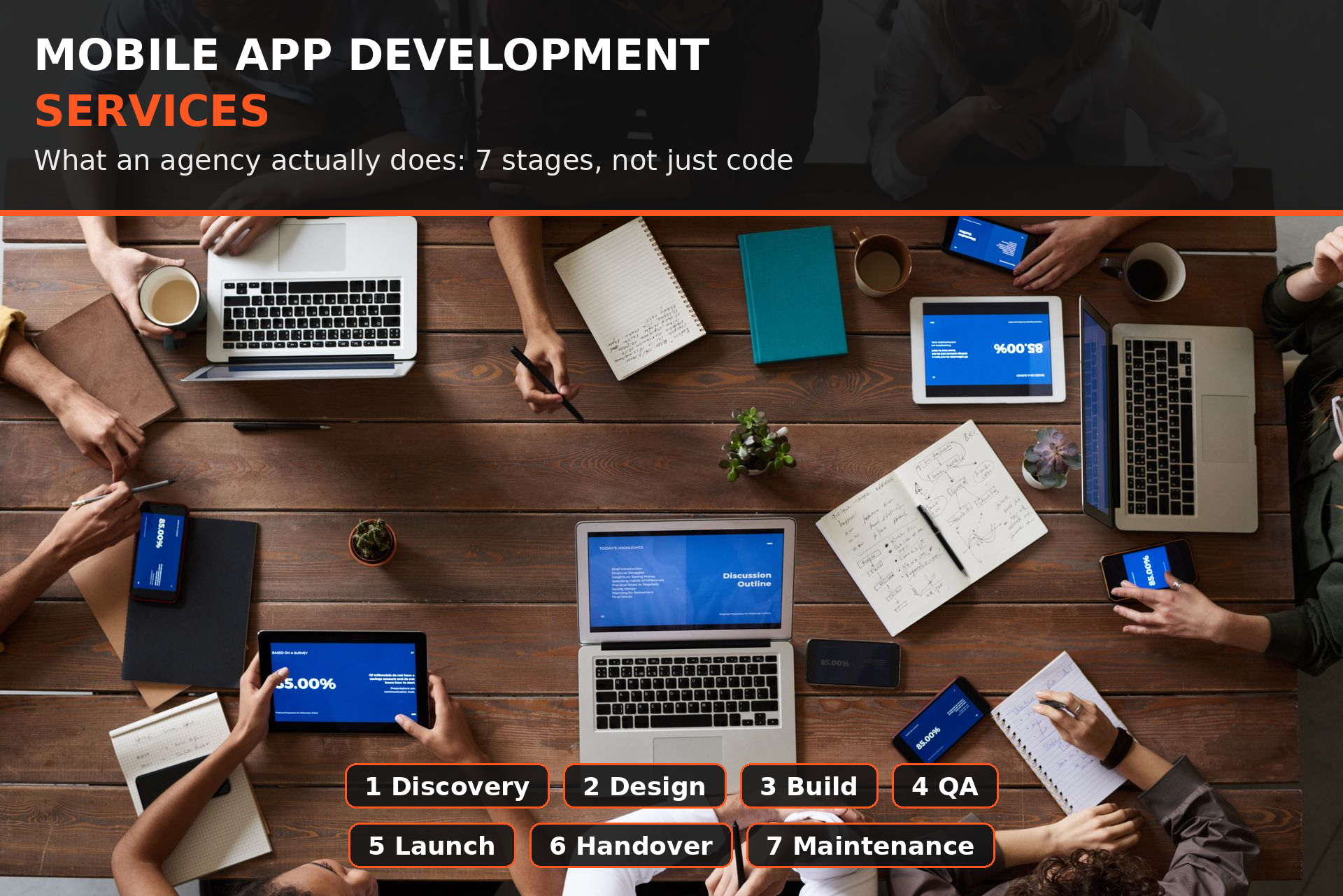
TL;DR: Mobile app development services are not just coding. A complete service covers seven stages: discovery and scope, product design, engineering, quality assurance, store launch, release support, and ongoing maintenance. At each stage you should get clear deliverables, a chance to approve the work before money is spent on the next stage, and full ownership of the accounts, code and data. If a quote only describes screens and hours, you are not buying the full service.
This post breaks down each stage in plain language, so you know what to expect and where projects go wrong when a stage is skipped.
1. Discovery: Turning an Idea Into a Buildable Scope
Discovery is where a good agency earns its money before code is written. The goal is a written scope engineers can price and build without guessing.
What actually happens in discovery:
A goals conversation. What does success look like in six months. Revenue, users, saved staff time, or something else. The answer changes what gets built first.
User and flow mapping. Who uses the app, what they do first, and what path leads to the one action that matters, such as booking, buying or subscribing.
Feature list with priorities. Every feature listed, then split into must have for launch, nice to have later, and cut. This list becomes the contract against scope creep.
Technical reality check. Does the idea need payments, maps, chat, offline access, hardware or third party integrations. Each one has cost and risk that should be named early.
Platform decision. iOS first, Android first, or one cross platform codebase. We build most founder apps in React Native because one codebase serves both stores, but the decision should follow your audience and budget, not a sales pitch.
What you should receive: a written scope, a feature list in priority order, a timeline estimate tied to that scope, and a fixed set of open questions. If you only receive a price, discovery did not happen.
The cheapest stage to fix a mistake is discovery. Changing a sentence in a scope document costs nothing. Changing a built flow costs weeks.
Founders who are still deciding who to hire should read our guide on how to hire a mobile app developer. The vetting questions there map directly to whether an agency takes discovery seriously.
2. Product Design: Screens You Can Judge Before They Are Built
Design is not decoration. It is where you see and approve the product while changes are still cheap.
What a proper design stage includes:
Wireframes first. Plain layouts that show structure and flow without colour or branding. You judge whether the flow makes sense, not whether you like a shade of blue.
High fidelity screens for the core flows. The final look for signup, the home screen, the core action, payment and account settings.
A clickable prototype. You tap through the app on your own phone and feel where it is confusing before engineering starts.
Design rules, not just screens. Colours, type, spacing and button states written down, so new screens built later still look like the same product.
Edge states designed, not improvised. Empty screens, error messages, loading states and offline behaviour. Users see these constantly. Cheap builds skip them entirely.
What you should approve: the prototype, on a real phone, doing the core task from start to finish. If you cannot complete the main flow in the prototype, do not approve the design, however nice it looks.
3. Engineering: Building the App and the System Behind It
This stage is only about a third of the total work. A mobile app is two products: the app on the phone, and the backend it talks to.
What engineers build during this stage:
The mobile app itself. Screens, navigation, forms, push notifications and offline behaviour, built to the approved design.
The backend and database. Accounts, business rules, data storage and the API the app calls. This is where security decisions live, and where cheap builds take shortcuts that surface later.
Admin tools where you need them. A simple panel to manage users, content, orders or bookings, so you are not paying a developer for every small change.
Third party integrations. Payments, analytics, maps, messaging and any service your product depends on, each connected and tested.
Weekly visible progress. A build you can install on your phone every week or two. You should never go a month with only a status report to show for it.
What you should expect: short written updates tied to builds you can touch, and honest flags when something turns out harder than expected. End of project surprises usually started as unreported mid project problems.
Our guide on how to take an MVP to production shows what engineering standards have to rise to before real users arrive, even when the first version was built quickly.
4. Quality Assurance: Testing Like a User Who Wants It to Break
Quality assurance, or QA, is a separate discipline, not a developer glancing at their own work for ten minutes. Developers test whether the code does what they intended. QA tests whether the product survives real people.
What real QA covers:
Device and version coverage. Recent and older phones, small and large screens, current and previous operating system versions.
The unhappy paths. Wrong passwords, expired cards, dropped connections, double taps, interrupted payments and empty accounts.
Regression testing. Every time something changes, the core flows are run again, because the most common production bug is an old feature broken by a new one.
Performance checks. Slow screens, oversized images and API calls that time out on a weak mobile signal, not just on office wifi.
Store policy checks. Privacy labels, permissions and account deletion rules checked before submission, not after a rejection.
What you should receive: a build that has passed a written test pass, with known issues listed honestly. A team that reports zero issues before launch is not testing hard enough.
QA is where trust is built. Anyone can show you a happy demo. A tested app is what your first hundred reviewers will actually meet.
5. Store Launch: Getting Through Apple and Google Review
Launch is a service in its own right, and inexperienced teams lose weeks here. Both stores review every app, and both reject apps for reasons knowable in advance.
What the launch stage includes:
Developer accounts in your company name. Never in the agency name. You own the store presence, the reviews and the ability to ship fixes.
Listings prepared properly. Screenshots, descriptions, age ratings, support details and the data safety and privacy answers both stores now require.
Submission and review handling. The team submits, answers reviewer questions, and fixes rejection issues as part of the service, not as a surprise extra.
A staged rollout plan. Release to a small share of users first, watch crashes and reviews, then expand. This turns a launch day disaster into a small, fixable problem.
Release monitoring in the first days. Crash rates and new reviews watched daily, with a fast fix path ready, including over the air updates for React Native apps where the stores allow them.
What you should expect: a launch window with a buffer built in. Anyone who promises a exact public launch date before review has not launched many apps.
6. Handover: Code, Accounts and Knowledge in Your Hands
Handover is the stage cheap providers avoid, because it makes you independent of them. A complete service ends a build with everything in your control.
What a proper handover includes:
The full source code in a repository you own, with history, not a zip file sent at the end.
All accounts transferred or created in your name. Store accounts, backend hosting, database, analytics, payments and domain, with a written list of each one.
Signing keys and certificates documented. These are what let any future team ship updates to your app. Losing them can mean losing the app listing itself.
Setup and run documentation. How the system is deployed, how backups work, and what to do when a common problem happens.
A walkthrough session. Your team, or your next developer, shown the system live, with questions answered.
If you are evaluating a new partner after a bad experience, our production readiness audit guide lists the ten checks that reveal whether ownership and handover were done properly the first time.
7. Maintenance: The Work That Keeps a Launched App Alive
Launch is not the end of mobile app development services. Operating systems update every year, stores change their rules, libraries age, and users find edge cases no test pass caught. Maintenance is the service that handles all of that before it becomes an emergency.
What maintenance actually covers:
Operating system and SDK updates. Each major iOS and Android release tested against your app before your users upgrade.
Dependency and security updates. The libraries your app is built on patched on a schedule, not after a vulnerability is public.
Crash and performance monitoring. Top crashes fixed in priority order, slow endpoints tracked, alerts going to a person.
Store compliance. Policy changes, new privacy requirements and target version deadlines handled before a store warning arrives.
Small fixes and improvements. The steady stream of small issues real users report, batched and shipped in regular releases.
What happens if you skip it: nothing, for a while. Then an OS update breaks a core screen, or a store deadline passes, and a small planned cost becomes an urgent expensive one. Our scaling readiness checklist shows how maintenance and readiness connect once user numbers start to grow.
What These Services Should Cost You in Time, Not Just Money
Founders budget money carefully and time loosely. Knowing where a full service needs your time upfront prevents the most common complaint we hear: "they kept waiting on me".
Discovery: about 2 to 4 hours a week for decisions and answers.
Design: about 1 to 2 hours a week reviewing prototypes and approving flows.
Engineering: about 1 hour a week testing builds and answering product questions.
Launch: a few focused hours for account setup, business verification and listing approvals, some of which only you as the owner can complete.
In return, you should never have to project manage the build or chase updates. Coordinating the team is the service.
How to Tell a Full Service From a Coding Shop
Before you sign anything, ask these five questions. The answers separate agencies that deliver a product from shops that deliver code.
What do I receive at the end of discovery, before I commit to the build? You want a written scope and prioritised feature list, not just a price.
Who does QA, and is it the same person who wrote the code? You want a separate test pass with written coverage.
Whose name are the store accounts, code repository and backend in? The only correct answer is yours.
What happens in the first two weeks after launch? You want staged rollout, monitoring and a fix path, not silence.
What does maintenance include, in writing? You want named work: updates, monitoring, compliance and small fixes.
A team that answers all five clearly is selling a service. A team that only talks about screens, hours and hourly rates is selling code, and leaving the rest of the risk with you.
Frequently Asked Questions
What are mobile app development services? Mobile app development services are the full set of work an agency does to take an app from idea to live product and beyond: discovery, design, engineering, testing, store launch, handover and maintenance. Coding is one stage of seven.
What does an app development company do day to day? On a typical project, designers turn flows into screens you can approve, engineers build the app and backend in weekly installable builds, QA tests each build on real devices, and a lead coordinates it all, reports progress and handles store submission and release.
Do I need all seven stages for a small app? Yes, but they scale down. A small app needs a short discovery, a lean design pass and lighter QA, not none at all. Skipping a stage does not remove the work. It moves the cost to later, when it is more expensive.
Should app development services include maintenance? They should at least offer it as a defined service. Apps need OS updates, security patches and store compliance work every year. Buying it as a planned service costs far less than emergency fixes after something breaks publicly.
How long do mobile app development services take from start to launch? It depends on scope, which is exactly what discovery establishes. A focused first version usually takes a few months from discovery to store launch, including review time. Beware any exact timeline promised before a written scope exists.
Do I own the app if an agency builds it? You should, completely: code, store accounts, backend, data and signing keys in your name. Get it in writing before the build starts, and verify it at handover. Ownership promised verbally and never transferred is the most common trap we see founders in.
Get a Clear Picture of What Your App Actually Needs
Most founders need someone to look at their idea, or their existing app, and say plainly which stages are done well, which were skipped, and what fixing that would take.
Tell us where you are: an idea with no scope yet, an app mid build that feels shaky, or a live app with no one looking after it. My team will map it against the seven stages above and tell you honestly what the next step should be, even if that step is not with us.
Want that assessment before you spend on the wrong stage? Message us and we will walk through it with you this week.
Code Baiz is a mobile and web app development agency in Brooklyn, New York. Our team of around 20 engineers has shipped more than 300 projects since 2019, most of them in React Native. We build, rescue and maintain apps for founders who cannot afford to get it wrong twice.