A founder shows us an app that took eleven months and still is not in the store. The screens are mostly built. The payments flow was never finished. Nobody can say who approved the last three features, or why the first two were dropped. The problem was not effort. The problem was that there was never a process, just a list of screens and a hope that they would add up to a product.
A good mobile app development process is not paperwork. It is a sequence of decisions, each locked before money is spent on the next.
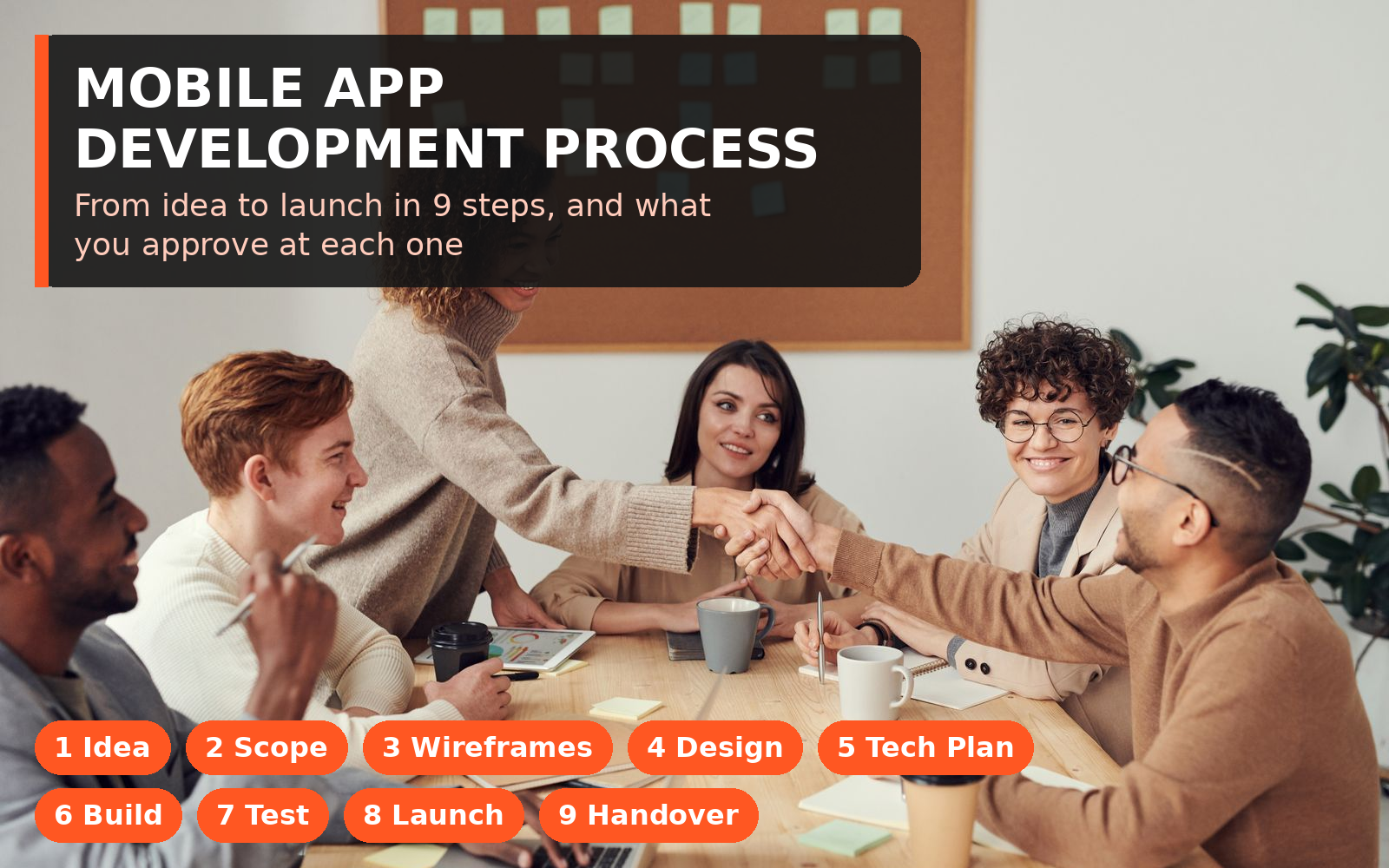
TL;DR: The mobile app development process has nine steps: define the idea, write the scope, map flows and wireframes, design and prototype, plan the technical build, build in sprints, test, submit and launch, then hand over and improve. At every step you should receive something concrete to approve.
The nine steps at a glance:
Idea and goals.
Discovery and scope.
Wireframes.
Design and prototype.
Technical plan.
Build in sprints.
Testing.
Launch.
Handover and growth.
This guide walks through each step: what happens, what you approve, and where projects go wrong. For timings, read our guide on how long it takes to build an app.
1. Define the Idea and the Goal
Every build starts before anyone talks about screens. State, in plain words, what the app is for and how you will know it worked.
What happens in this step:
One core action is named. Booking, buying, ordering, subscribing. Most successful first versions do one thing very well.
The user is named just as clearly. The specific person who opens the app, with a specific problem.
A business goal is attached. Revenue, saved staff time, repeat orders. The goal decides what gets built first.
The non-goals are written down too. What this version will not do. That list protects the budget later.
What you approve: a one page statement of the idea, the user, the core action and the goal. If you cannot explain the app in that space, it is not ready for the next step yet.
Where it goes wrong: the app tries to be three products at once. A marketplace, a social network and a booking tool in version one means none of them get finished properly.
2. Discovery and a Written Scope
Discovery turns the idea into a buildable plan. This is the step cheap quotes skip, and it decides whether the price you are given means anything.
What happens in this step:
Every feature is listed, then sorted. Must have for launch, should have later, and cut for now.
User flows are talked through end to end. Sign up, first use, the core action, payment if there is one, and what happens when something fails.
Technical questions are answered early. Payments, maps, chat, notifications, logins, and links to systems you already use. Each one changes cost and risk.
Platform is decided. iPhone first, Android first, or one codebase for both. We build most founder apps in React Native because one codebase serves both stores.
What you approve: the written scope, the priority list, and an estimate tied to that scope. Our breakdown of mobile app development services shows what a complete agency should deliver at each stage.
A quote without a scope is not a quote. It is a guess that will be corrected later, usually upward, after you are too committed to walk away.
Where it goes wrong: scope lives in chat messages instead of one document. Three months later, you remember different apps.
3. User Flows and Wireframes
Now the app takes shape, still in black and white. Wireframes are simple sketches that show what goes where and how a user moves between screens. No colours or polish yet, on purpose.
What happens in this step:
The core flow is drawn first. The shortest path from opening the app to completing the core action.
Every screen is listed. Home, account, settings, help, the boring screens founders forget. Forgotten screens appear later as delays.
Edge cases are drawn, not just the happy path. Empty states, errors, no connection, a declined card. Real users live in edge cases.
Admin needs are mapped too. If your team needs to see orders, users or content, that panel is part of the product.
What you approve: the full wireframe set. This is the cheapest moment to say a flow feels wrong. Changing a sketch costs hours, built software costs weeks.
Where it goes wrong: founders skim the wireframes, then ask for flow changes once real screens exist. Review the sketches slowly.
4. Design and a Clickable Prototype
With the flows locked, design makes the app look like your product, then links the screens into a clickable prototype.
What happens in this step:
Visual design is applied. Brand, colours and spacing, screen by screen, following the approved wireframes.
A design system is set. Buttons, forms and headings that look the same everywhere. That consistency makes an app feel trustworthy.
The prototype is built. You tap a button and the right screen appears. It is not a working app, but it is close enough to test with real people.
Five people try it. Watch where they pause or give up. Those pauses are design bugs, and they are free to fix now.
What you approve: the final designs and the prototype. Once you sign this off, engineering builds to it. Later design changes are change requests, not tweaks.
Our mobile app development page sets out how we run these stages.
Where it goes wrong: design is approved from desktop screenshots, never tapped on a phone. Screens that look fine large can feel cramped at real size, in one hand.
5. Technical Plan and Backend Setup
Users never see this step, but they feel it for years. The technical plan decides how the app is built underneath the screens, and the backend is set up: the server, database and accounts that hold your data.
What happens in this step:
Architecture is chosen. How the app, backend and database fit together, and how they cope as users grow.
Accounts and ownership are set up in your name. Apple and Google developer accounts, the code repository, hosting and analytics.
Data is designed properly. Users, orders and payments stored in a clear structure, with backups from the start.
Third party services are connected. Payments, maps, notifications and analytics. Proven services, not custom builds.
What you approve: the technical plan in plain words, and confirmation that every account is in your company name. Ask for the list. It saves a rescue project later.
Where it goes wrong: everything is created under the developer's personal accounts. If that relationship ends, you can lose access to your own app and data. This is a common burned founder story, and it is completely preventable here.
6. Build in Short Sprints
This is the longest step, and the one most people picture as the whole process. Engineers build the app, backend and admin panel in short cycles called sprints, usually one or two weeks each.
What happens in this step:
Work is built in a sensible order. Login first, then the core flow, then payments, then nice to have features last.
You get a test build every sprint. A version you can install on your phone and give feedback on. Progress you can hold beats progress in a meeting.
Changes are logged and priced. New ideas go on the list, get a cost and time impact, and you decide.
Code is reviewed and tested as it is written, not in one panicked pass at the end.
What you approve: each sprint build, with feedback in one place and one voice. Separate change requests from five people is how builds stall.
How are mobile apps developed in practice? Like this. In small, visible loops, not in one long silence followed by a big reveal. If a team will not show you working builds, ask why before the build starts.
Where it goes wrong: you disappear for a month, then return with a long correction list. The team has built three more layers on decisions you never saw. Regular short reviews are your real job during the build.
7. Testing and Quality Assurance
Testing is its own step, not the last afternoon of the build. Real users will try your app on old phones and weak connections. Testing is where you find those problems first.
What happens in this step:
Every flow is tested on real devices. Recent and older phones, small screens and large ones.
Payments are tested end to end. Success, failure, refunds and receipts. Money flows get no benefit of the doubt.
Permissions are checked. Camera, location and push prompts, and what happens when a user says no.
A small beta group uses the app. Ten to thirty real users will find things no internal team will.
Crashes and speed are measured. The app should be fast on a mid range phone on mobile data, not just on office Wi-Fi.
What you approve: the tested release candidate, after you have used it yourself on your own phone for a few days. If you would not hand it to a customer, it is not ready, whatever the deadline says.
The store review is not your testing phase. Finding a broken checkout from a one star review is the most expensive way to learn about it.
Where it goes wrong: testing gets squeezed to protect the launch date. A broken first week costs more users than a two week delay ever will. Our guide on how to take an MVP to production covers this hardening work in more depth.
8. Store Submission and Launch
Both stores review every app before it goes live. Apple is stricter and slower. Google is faster but still picky. A good team treats submission as a planned step, not a button press.
What happens in this step:
Store listings are prepared. Name, description, screenshots, icon and privacy details. Screenshots sell the app.
Privacy and policy forms are completed honestly. What data you collect, why, and how users can delete their account. Wrong answers cause rejections.
The app is submitted and review questions are handled. Reviews can take days, and a rejection is normal, not a disaster, if time was left for it.
Launch is staged where possible. A soft release to a small group first, then the full push.
What you approve: the final store listing, word for word, and the launch date. Never let an app go live with a listing you have not read.
Where it goes wrong: submission is left to the final day, a rejection lands, and a campaign fires with no app to download. Submit early, launch when the store says yes.
9. Handover, Monitoring and the Next Version
Launch is the middle of the mobile app development process, not the end. The first month after release decides whether the app compounds or decays.
What happens in this step:
Everything is handed over properly. Code, accounts, keys and documentation, all in your name. Test the logins yourself.
Monitoring runs from day one. Crash reports, store reviews, and analytics on the core action. Where do users drop off?
Small fixes ship quickly. Early bugs are normal. With over the air updates, many fixes reach users instantly.
Version two is planned from evidence. Usage data and reviews decide the next features, not pre-launch guesses.
What you approve: the completed handover checklist and the plan for the first update. If handover is vague, push on it now.
Our breakdown of what a React Native app costs includes the maintenance maths for this stage.
Where it goes wrong: the app launches, the project is declared done, and nobody watches it. An OS update breaks a screen three months later, and a fix that would have cost hours costs weeks.
How the 9 Steps Fit Together
Read the app development process steps as a chain. Each step produces what the next needs: steps 1 to 2 produce the scope, 3 to 4 the design, 5 to 6 the working app, 7 to 8 a safe launch, and step 9 a product that improves. Skip a step and the work moves later, where it costs more.
Frequently Asked Questions
What is the mobile app development process in simple terms? Nine steps: define the idea, write the scope, draw wireframes, design and prototype, plan the technical build, build in sprints, test, submit and launch, then hand over and improve. Each step ends with something for the founder to approve.
How long does the whole process take? A focused first version commonly takes three to five months from idea to store. A larger product with payments, multiple user types and an admin panel commonly takes five to eight months.
Can any steps run at the same time? Some overlap is normal. Backend setup can start while final designs are finished, and testing runs during the build. But building before scope and design are approved is the overlap that causes rebuilds.
What should I, as the founder, actually do during the process? Approve each stage promptly, test every sprint build on your phone, keep feedback in one place, and protect the scope.
What is the most commonly skipped step? Discovery and proper testing are tied. Skipping discovery gives you a wrong quote and a drifting build. Skipping testing gives you a damaging launch.
Do I need all nine steps for a small app? Yes, but small apps move through them faster. The steps shrink, they do not disappear, and the ownership checks matter at any size.
Not Sure Which Step Your Project Is Really On?
Most troubled projects we are shown stalled at a skipped step further back, usually scope, design approval, or ownership setup. Finding that gap early is much cheaper than pushing forward and hoping.
Tell us where your app stands. My team will map it against these nine steps and tell you plainly what is missing.
Want a process with no stage skipped? Message us and we will walk through your project this week.
Code Baiz is a mobile and web app development agency in Brooklyn, New York. Our team of around 20 engineers has shipped more than 300 projects since 2019, most of them in React Native. We build, rescue and maintain apps for founders who cannot afford to get it wrong twice.